If your involved in
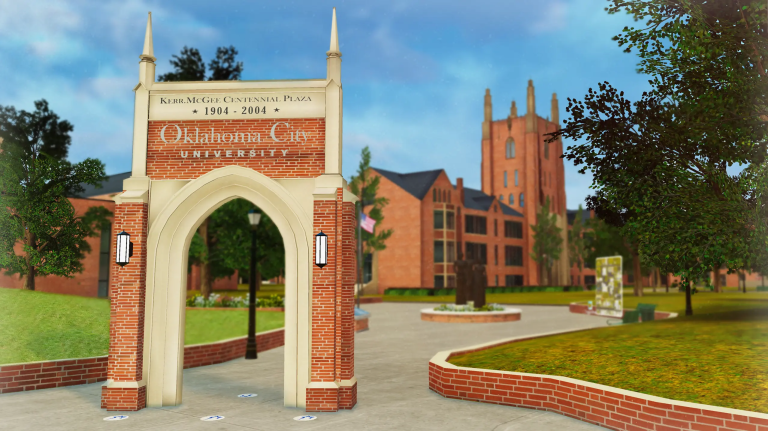
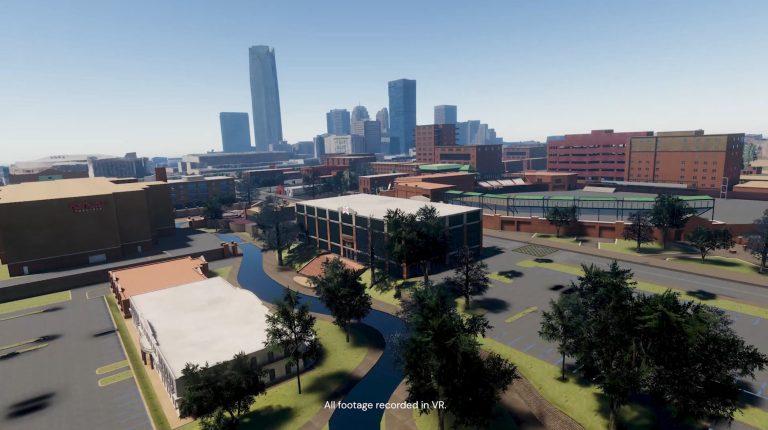
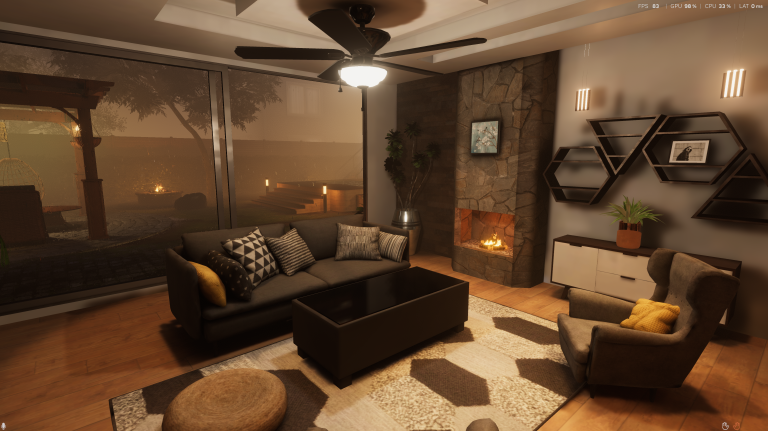
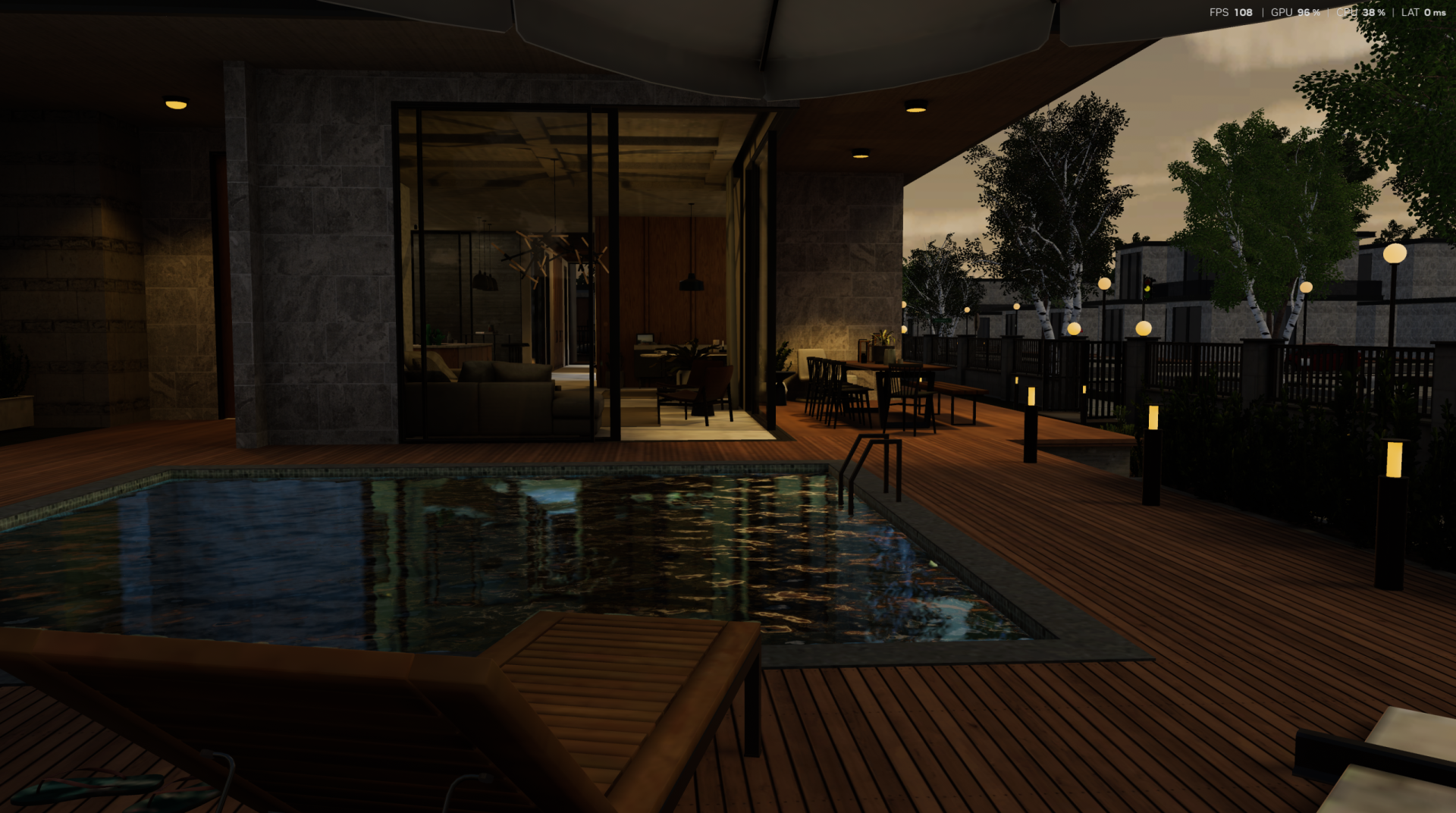
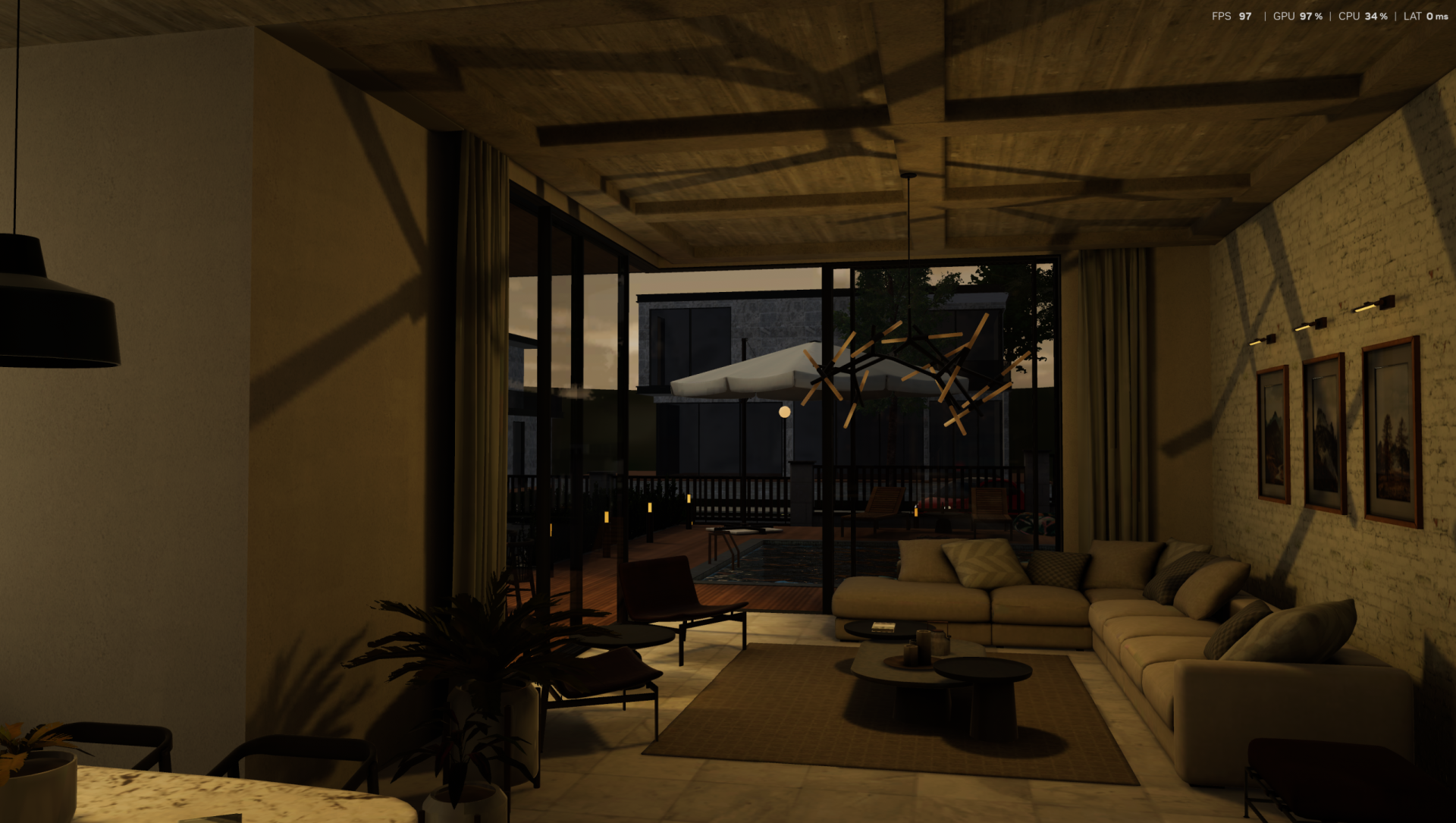
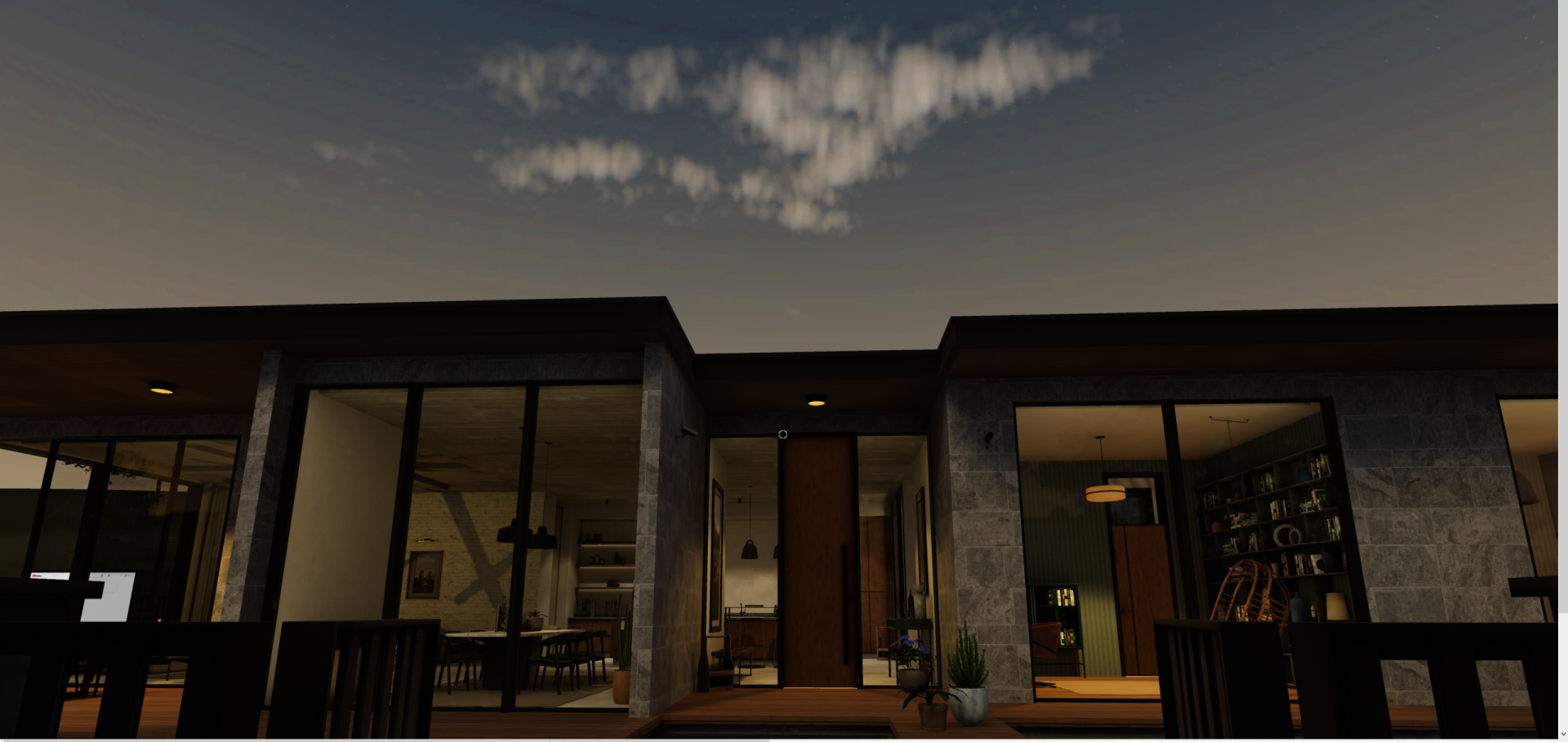
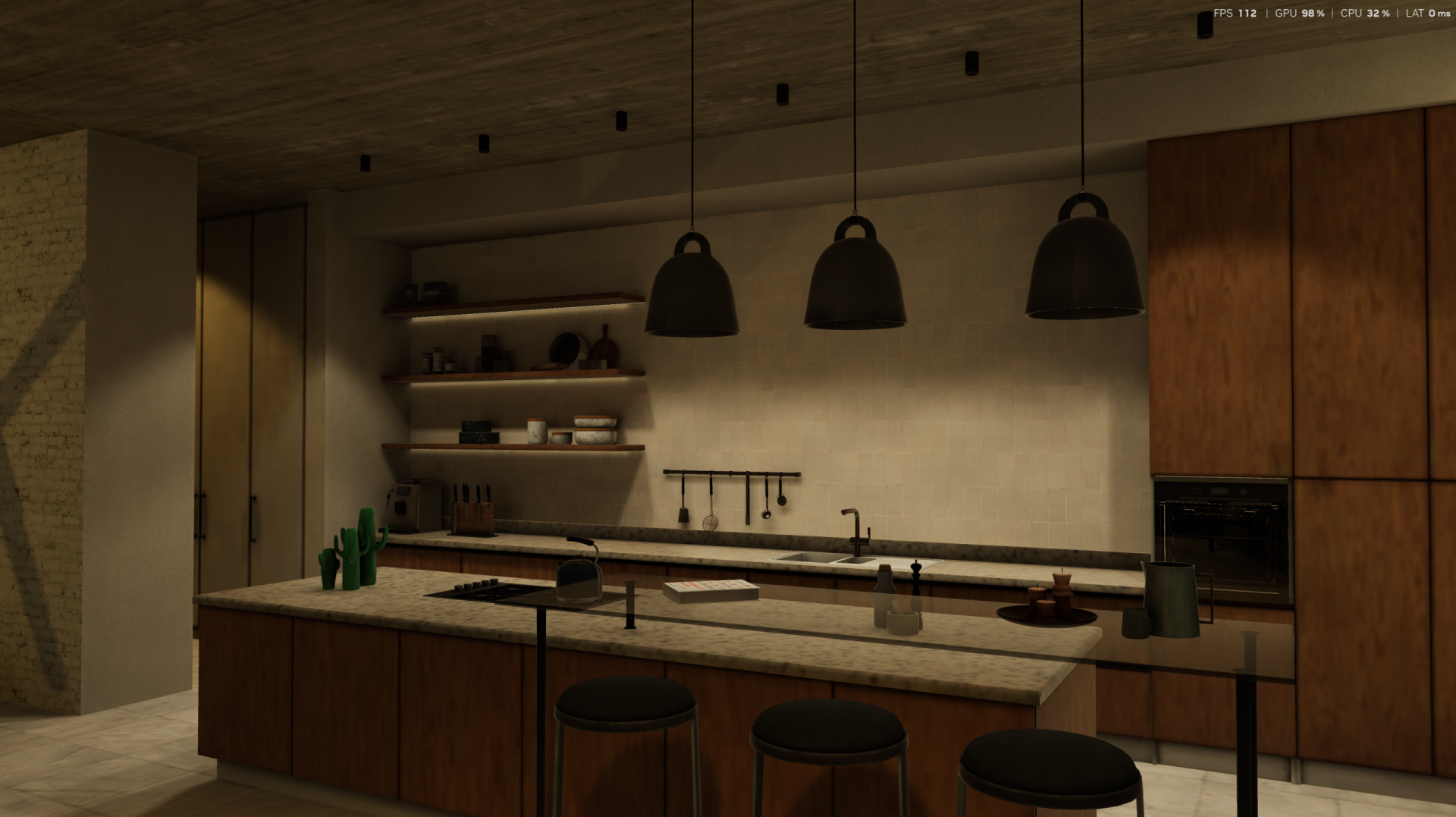
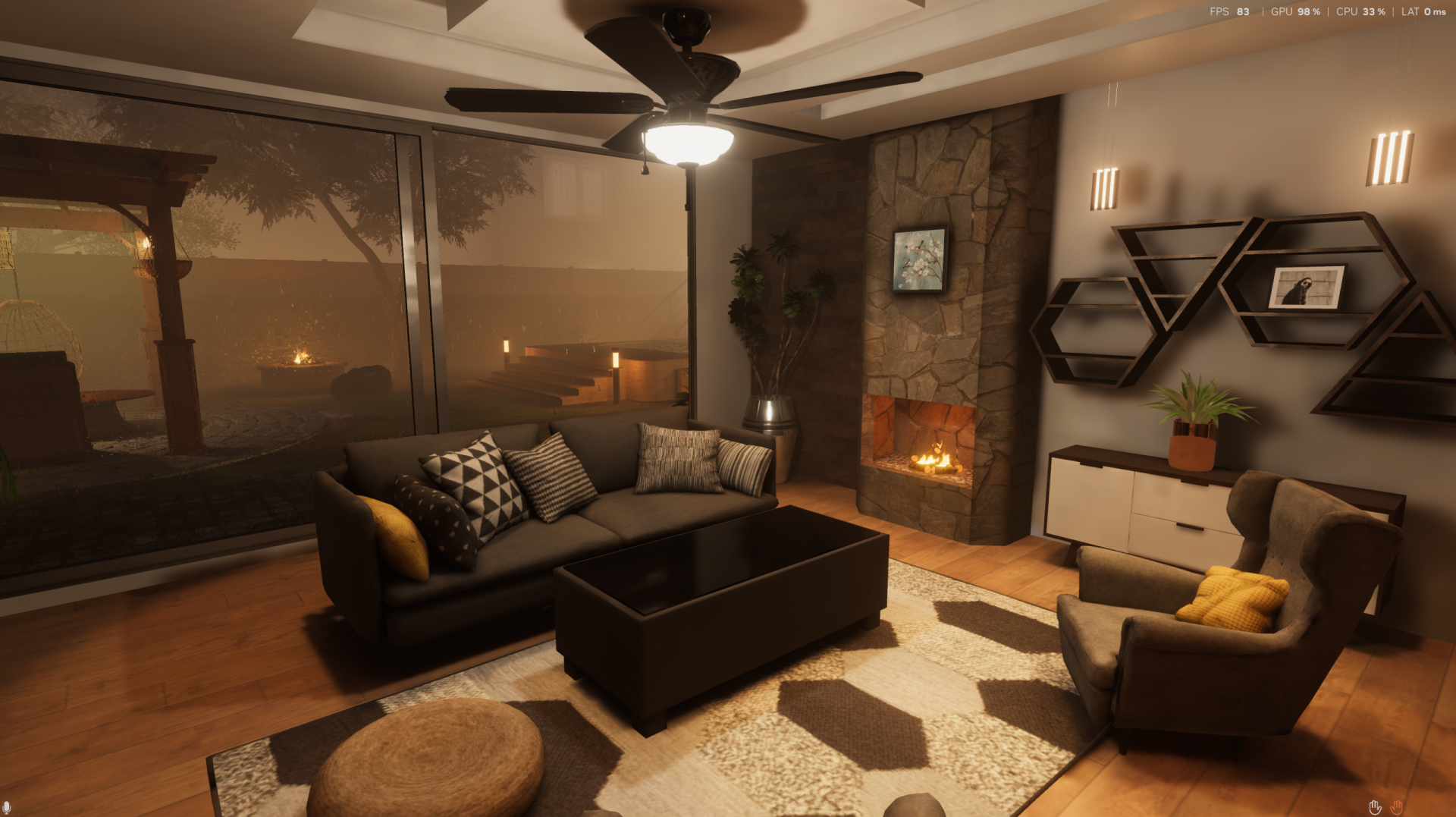
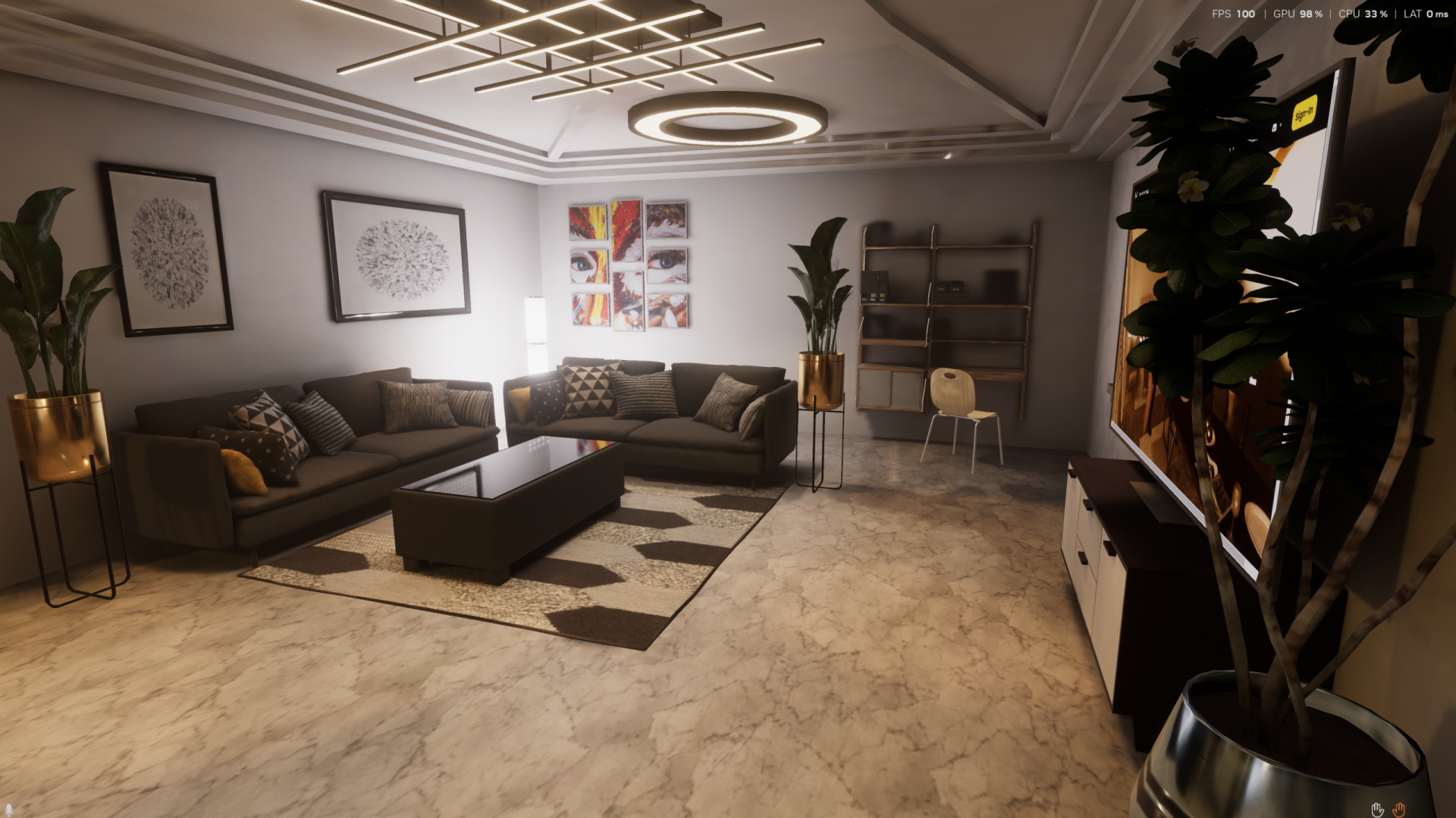
Massive Loop can help you describe your design to stakeholders and customers by using your geometry to create an architectural walkthrough in VR, Desktop or on the web.
Allowing your customers to visualize what their build, remodel or new construction will look like can save money and improve communication among teams.
It is easy to convert static geometry (3D files) into a shared, multi-user experience that you can walk through with your clients using VR, desktop or web. If you need help, please join our discord and we guide you very quickly through the process. Once you’ve done the first upload, creating more walkthroughs will take only a matter of minutes.
Use the following steps to create a Virtual 3D walkthrough of your project
Create a new scene in Unity
Create a new world on your MassiveLoop.com account. Import the Massive Loop SDK package into your Unity project. Now upload the scene to the placeholder world.
Download the Massive Loop client and login.
Once you’ve logged in, select your world and walk through your geometry in VR, Desktop or Web.