Project Overview
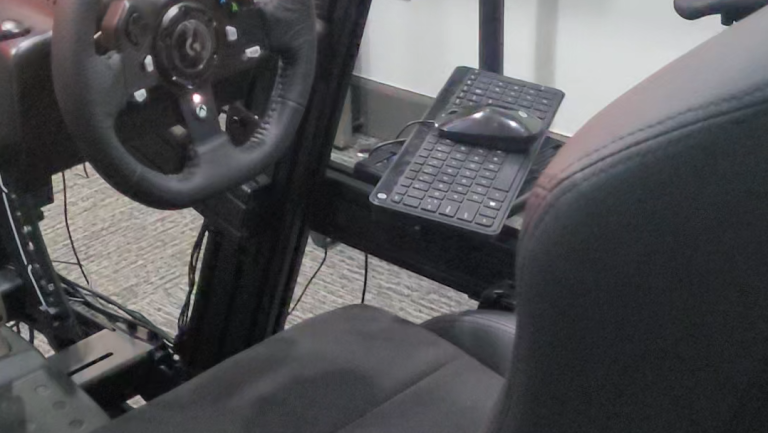
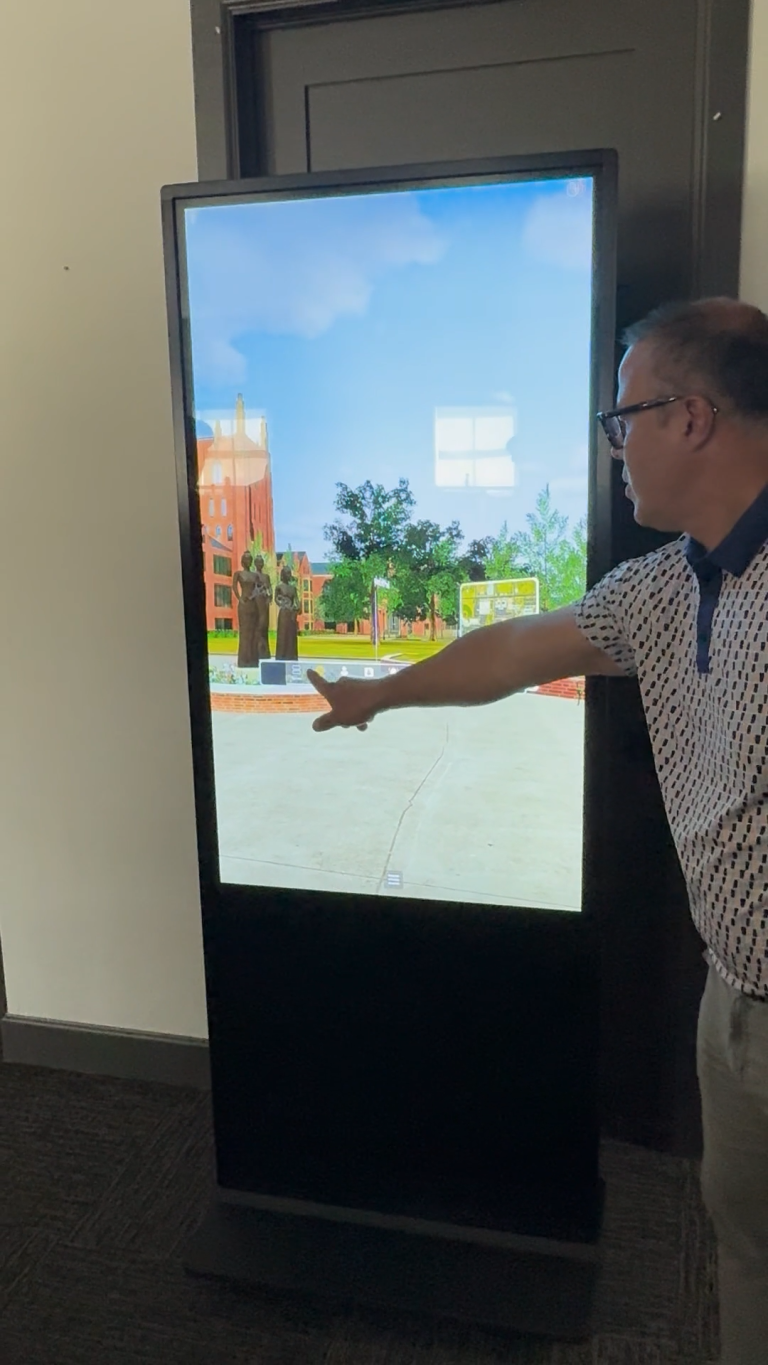
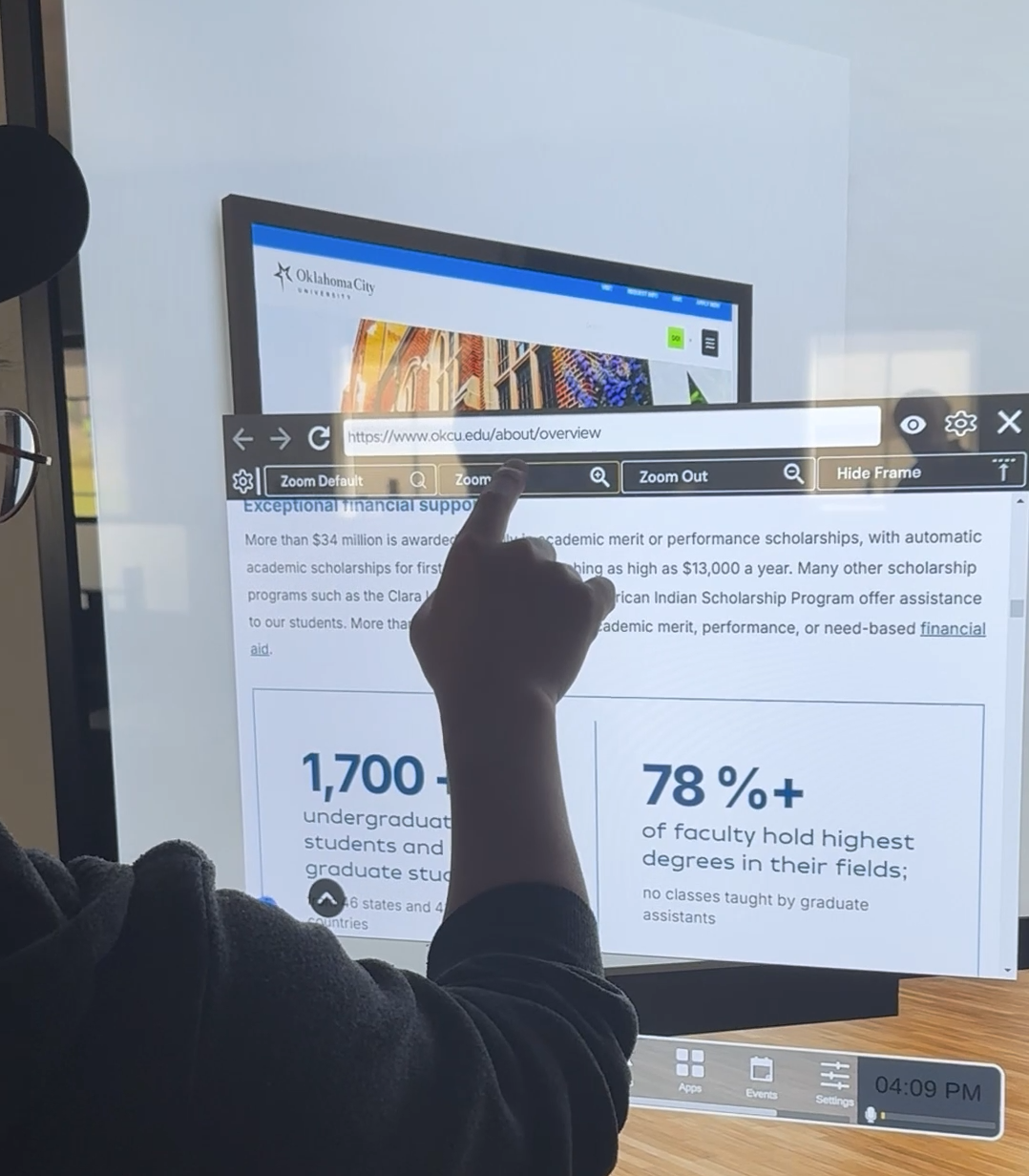
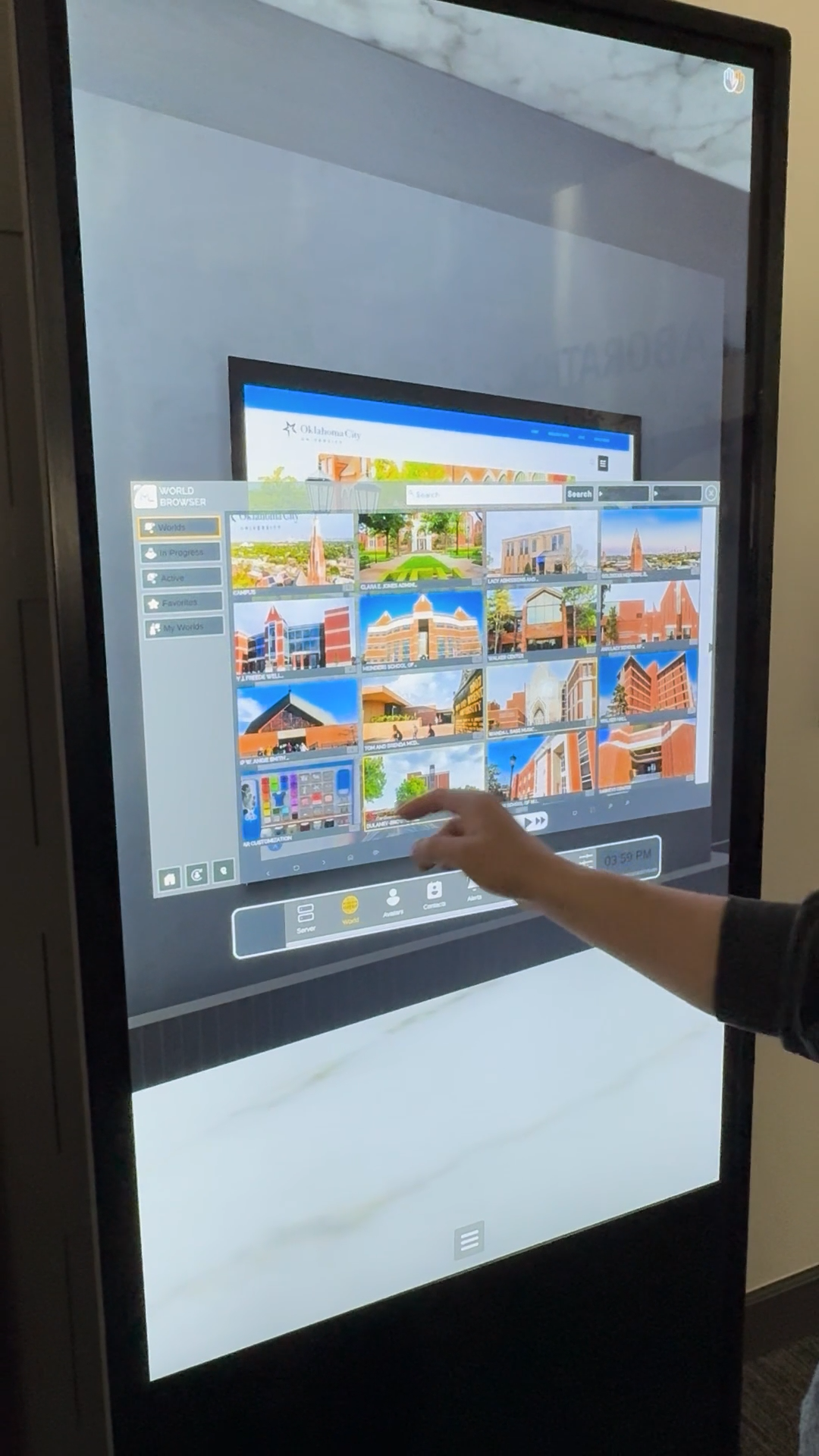
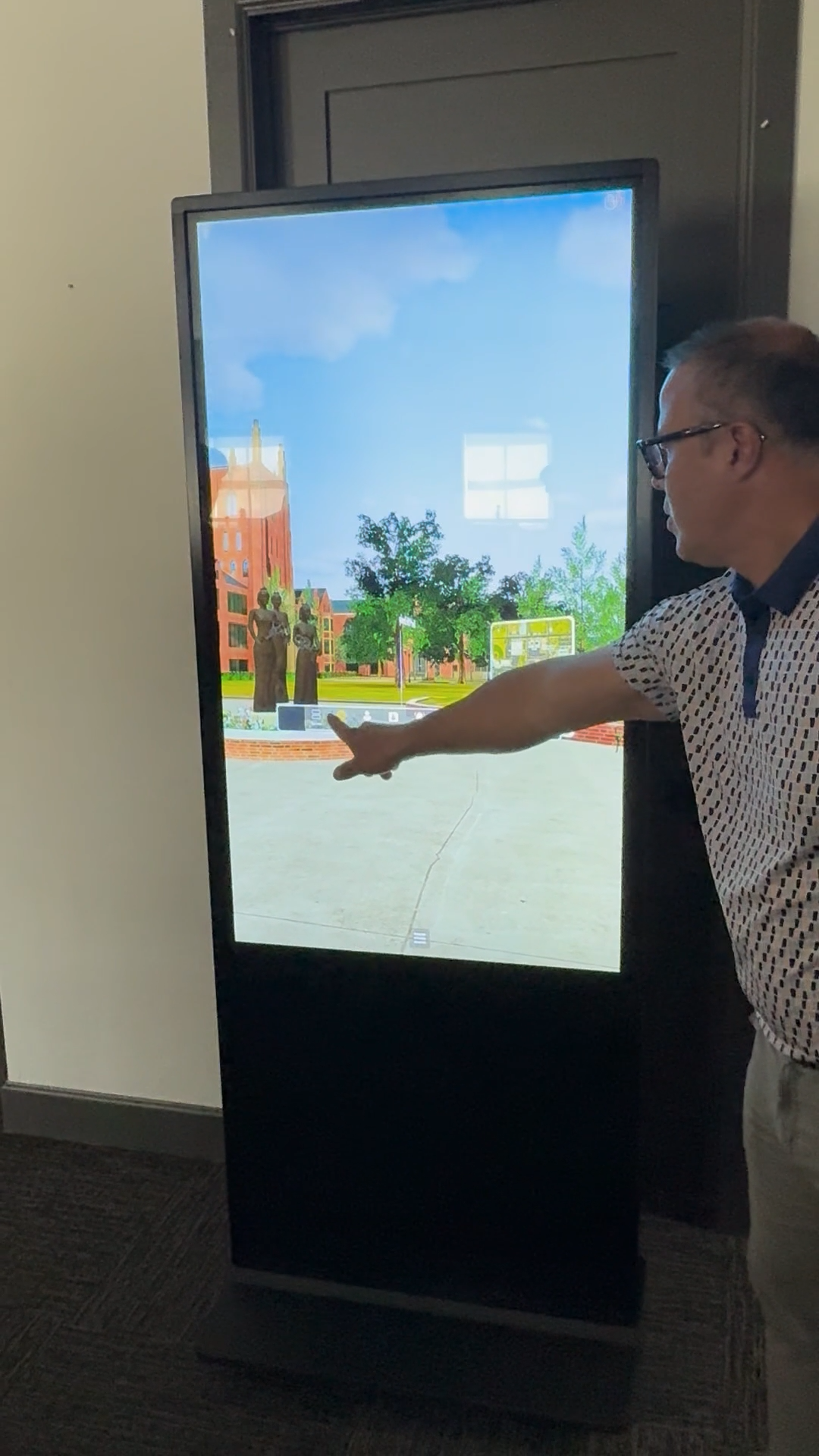
Once you create a digital world in Massive Loop you can utilize in many ways. Using our Kiosk Mode and touchscreen integration your world can easily become an information kiosk where visitors to your booth or location can interact with your experience or even chat with AI enabled avatars. Controller integration gives you options to interact with your kiosk using touchscreen or traditional xbox/playstation controllers.
Massive Loop Tools
- Touchscreen Integration
- 3rd Party API (OpenAI , Anthropic, etc.)
- Kiosk Mode
- Custom Avatars
- AI Enabled Avatars
- Controller Integration
Give your AI a presence
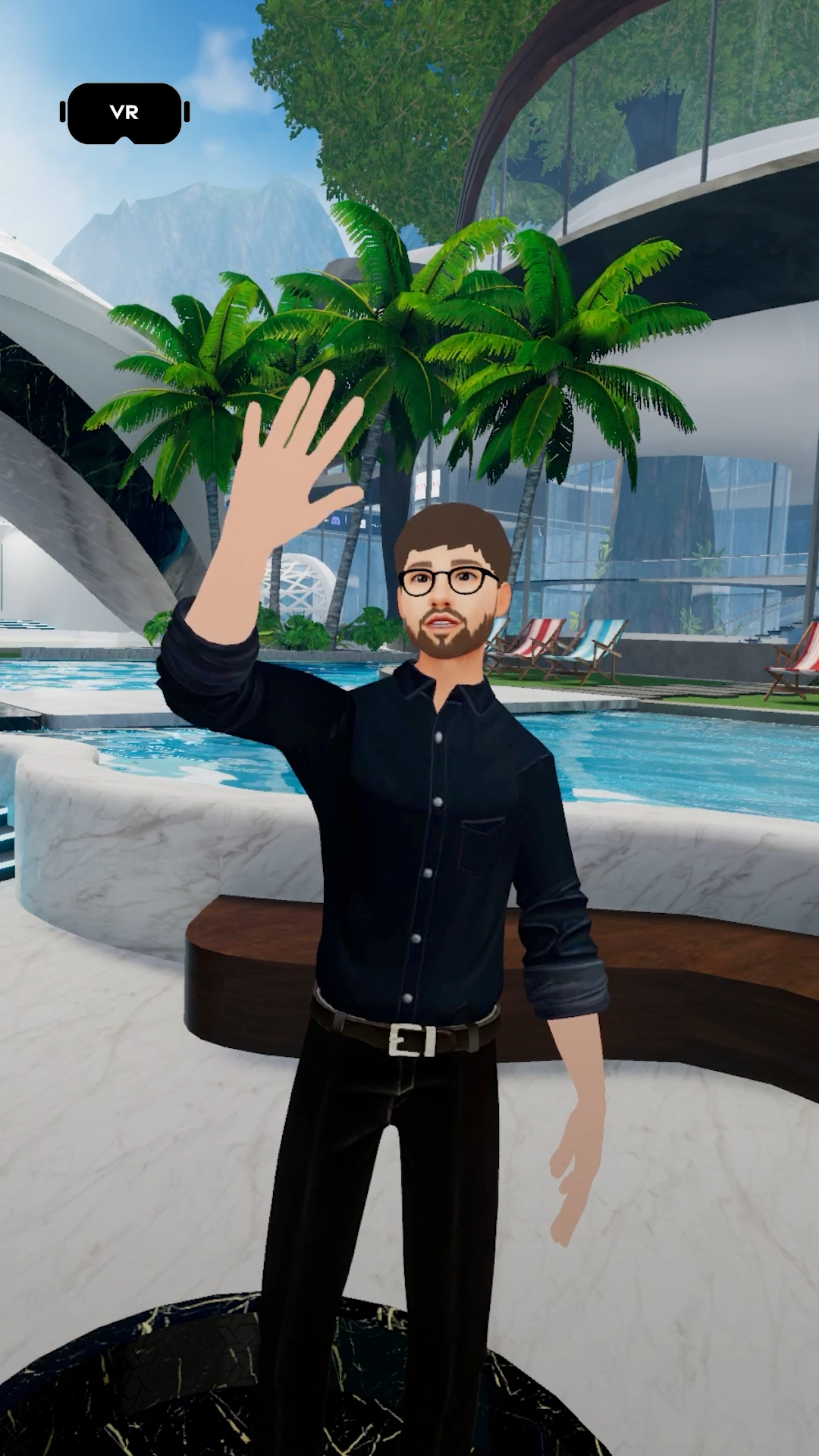
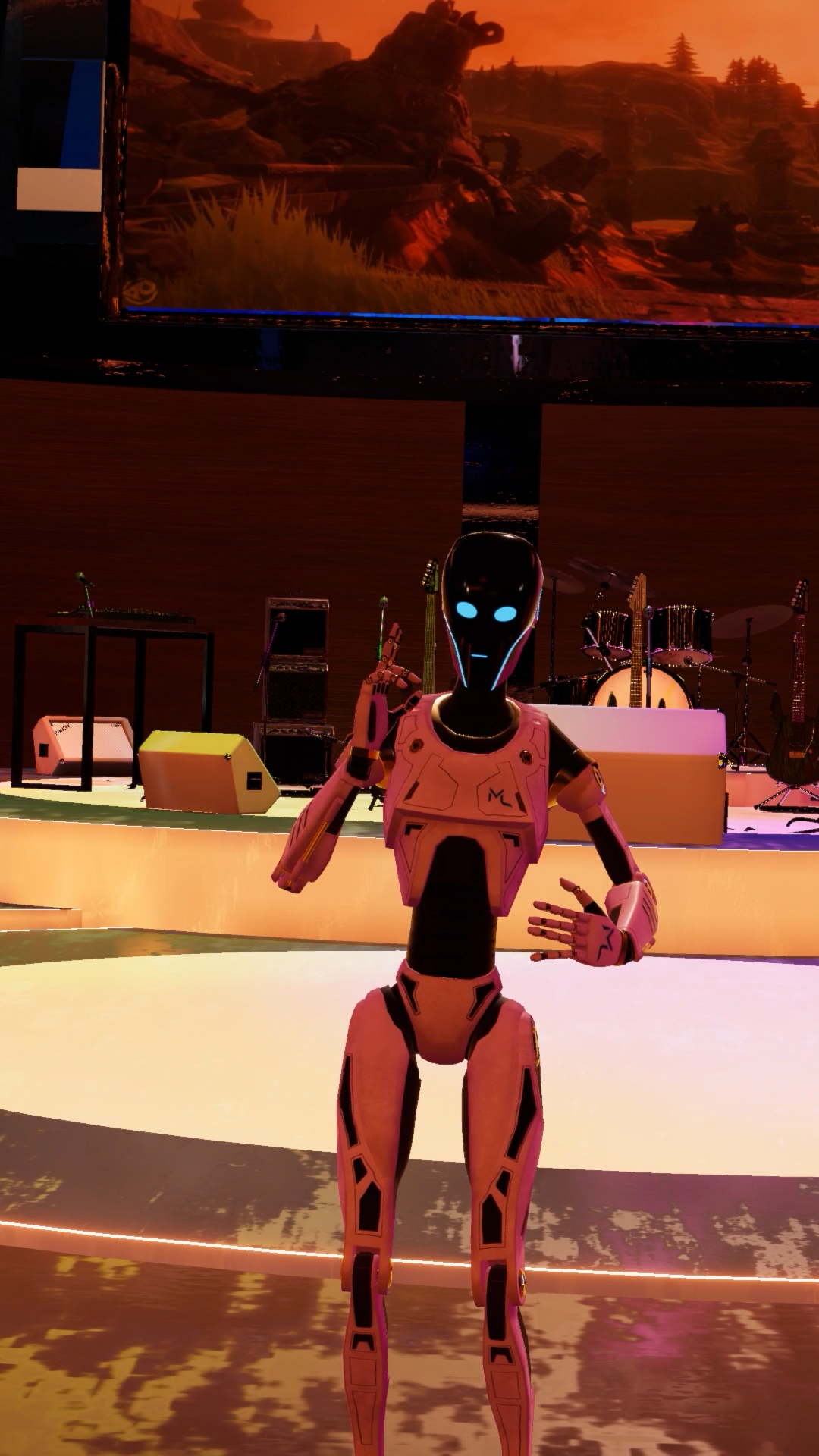
You can connect your favorite chatbot or LLM to your world and avatars. Massive Loop’s 3rd party API features make it possible to connect and embody popular AI products into your avatars. Allow users to interact with them, let them provide information about your venue.
Kiosk Mode and 3rd party APIs
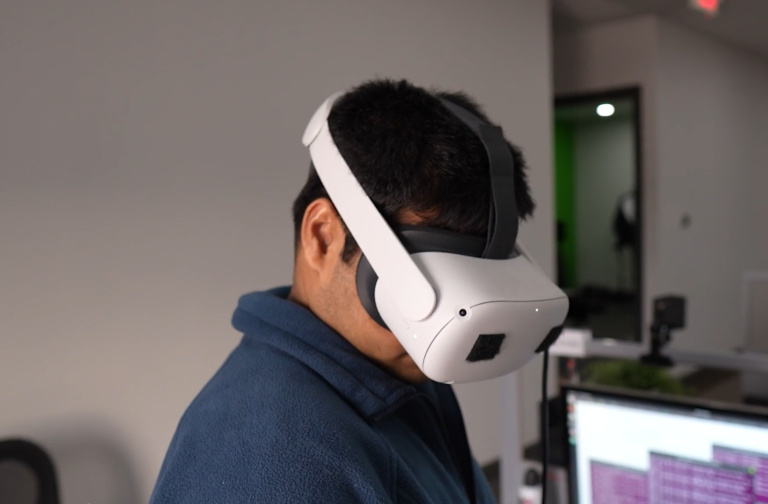
Kiosk mode takes your world out of the headset and makes it easily accessible just by walking up to it. Kiosk Mode also makes it easier to boot your experience on restarts. Using a combination of Massive Loop features you can attain great looking information kiosks or even Avatar guides that are AI driven or remotely controlled. Our 3rd Party REST integration allows you to whitelist third party API’s and connect to them to your worlds and avatars such as LLMS, weather, stock tickers and more.
- Kiosk Mode
- Touch Screen
- Interactive 3D Worlds
- AI Avatar Guides
- Remotely Operated Avatar Guides